01 / Media Tool
Yao Media
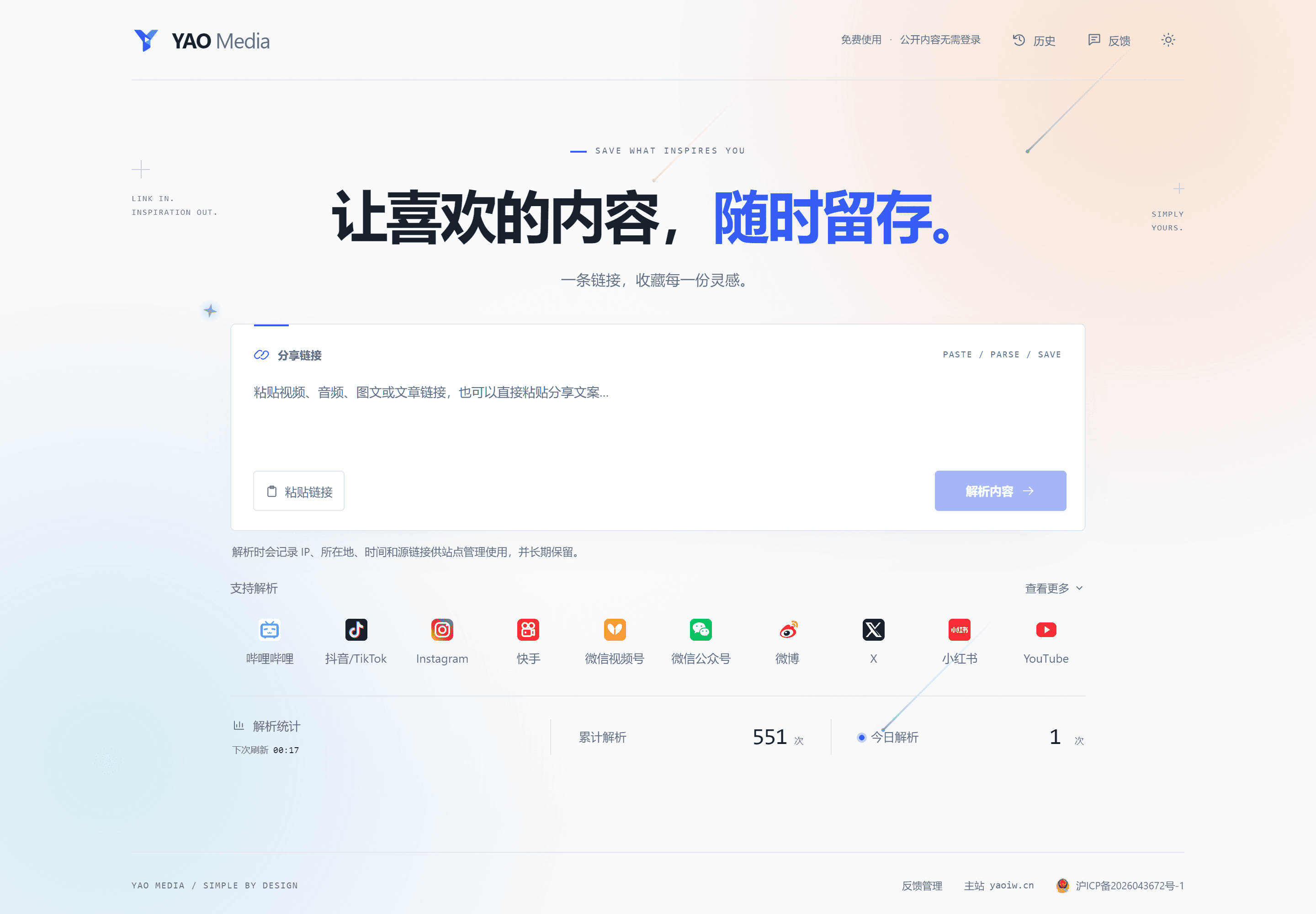
Paste a share link to preview and save videos, audio, images and articles — free and ad-free
Keep the content that inspires you. Paste a link or the full share text to identify its source, see the title and author, and preview or save the available video, audio, images or article text. Supports platforms including Bilibili, Xiaohongshu, Douyin, WeChat articles, X and Miyoushe; available formats depend on the source.
Choose an available video quality, extract its audio, save images as a ZIP or export article text as TXT. Reading mode preserves the order of text and media. Desktop and mobile layouts include light and dark themes, task progress, cancellation and browser-local history. Optional Bilibili QR sign-in uses your own account permissions.
- 01Recognize links and full share text, then preview supported media
- 02Video quality selection, audio extraction, image ZIPs and text exports
- 03Reading mode with text, images and inline video in source order
- 04Optional Bilibili QR sign-in scoped to the current visitor’s account
- 05Download progress, cancellation and browser-local parsing history
- 06Free and ad-free, with light/dark themes and responsive layouts
Next.js / React 19 / Spring Boot / Java 21 / MySQL / Redis / FFmpeg